
How to Automatically DM Someone Who Comments on Instagram
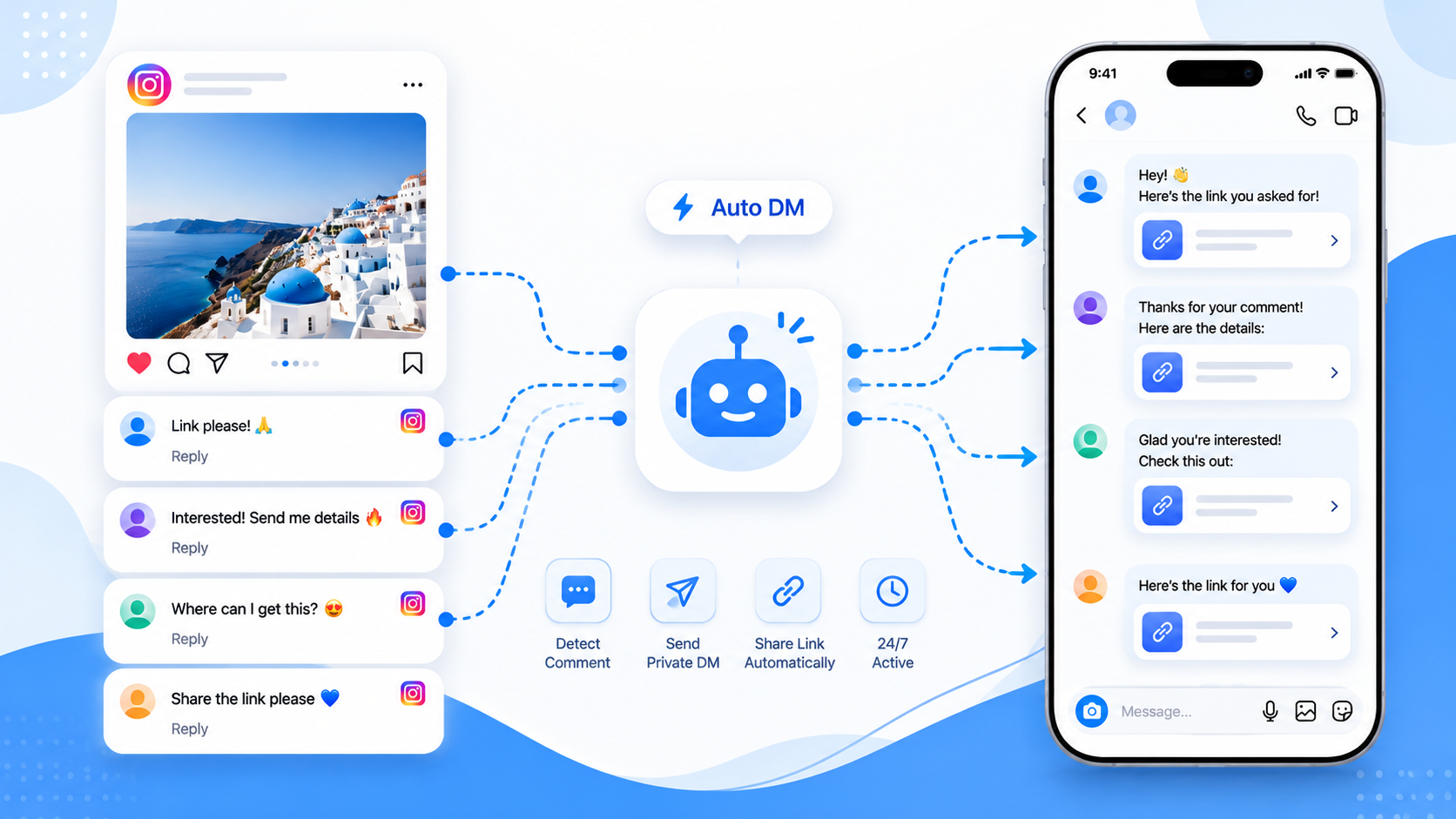
Automatically DMing someone who comments is the same product category as comment-to-DM. The difference is the search intent: people want the sequence, not the slogan. This is that sequence, using official Instagram APIs rather than a session-cookie bot.
Step 1 — Use a Professional account
Personal profiles cannot run this. Convert to a Business or Creator account and link a Facebook Page. Meta login will refuse the connection otherwise.
Step 2 — Decide which comments count
Most shops use a keyword such as LINK, SHOP, or the product name. Catch-all (“every comment”) is useful on a launch post and noisy on a meme. CommentLink can match exactly, contain a phrase, ignore excluded words, or require a mention.
Step 3 — Write the DM that carries the next action
The DM is usually a short thank-you plus a URL or a button. Keep it something a human would send. Instagram can still place first-time DMs in Message Requests; tell commenters to check there if they do not see it in the primary inbox.
Step 4 — Connect through Meta, not a password
Any tool that asks for the Instagram password is not using the official messaging API. CommentLink’s connect flow is Meta OAuth. That is the same family of APIs native automations use.
Step 5 — Respect the hourly cap
Instagram limits how many automated DMs an account can send per hour (commonly discussed as around 200). Native Custom Keywords typically drop comments once that cap is hit. CommentLink queues the rest in a safety queue and sends when the window allows. Neither tool can invent extra quota.
When native is enough
If you run one keyword on one post and volume stays under the hourly cap, Instagram’s built-in Comment to Message is enough. Move to a workspace when you need a queue, a follow check, a public reply plus a DM, or WhatsApp in the same inbox.
Learn more about Comment-to-DM automation
Connect Instagram with Meta login and send the link in a private DM when someone comments.
See comment-to-DMRelated articles
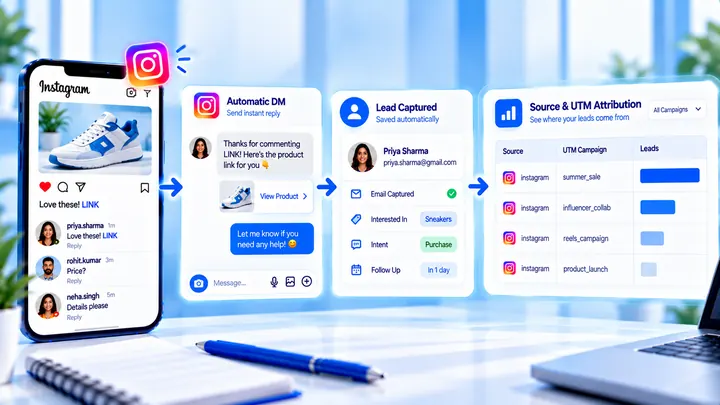
How to Measure Leads from Instagram Comments
A lead from a comment is a contact you can follow up — not a comment count. Wire keyword → DM → email or UTM before you celebrate.
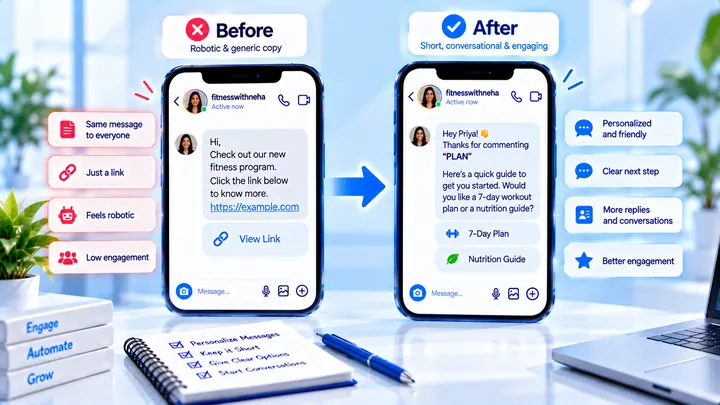
How to Write Automated Instagram DMs That Feel Human
Write human-sounding Instagram automated DMs: short openers, the promised next step, and a CTA that invites a reply — not a pitch wall.
How to Attribute Sales with Coupons in Instagram DMs
Unique codes in automated DMs can beat UTMs when checkout is messy — if you rotate codes and accept some leakage.