Creator checking Instagram comments on a phone
For Instagram creators

Turn Your Instagram Engagement Into Conversations

Creator Instagram automation for comments, keywords, and Story replies — they can start a DM automatically so you keep creating while CommentLink handles the conversation.

How it works

How it Works (3 Easy Steps)

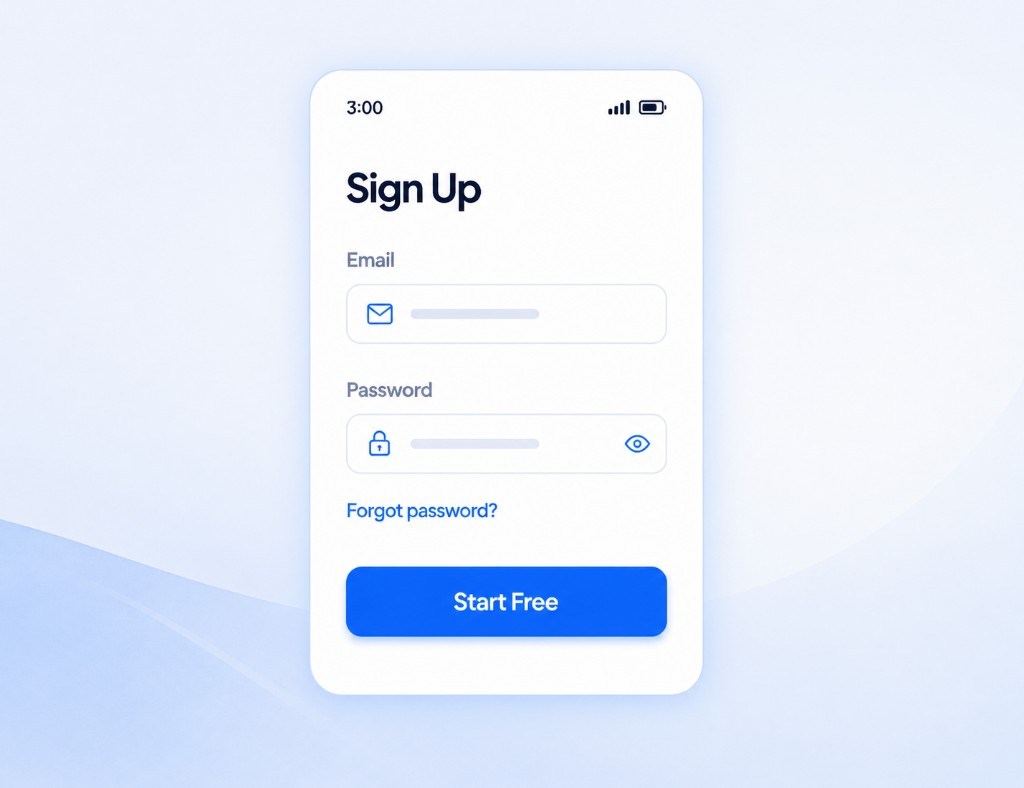
Sign up screen with email, password, and Start Free button

1st – Start free in minutes

Sign up and connect a Creator or Business account through Meta's login. No complicated setup — CommentLink never asks for your Instagram password.

Instagram and WhatsApp accounts linked through CommentLink

2nd – Set your keywords

Choose simple words people already type — LINK, PRICE, GUIDE — or reply to every comment on a post or Reel. Then decide what the DM should send.

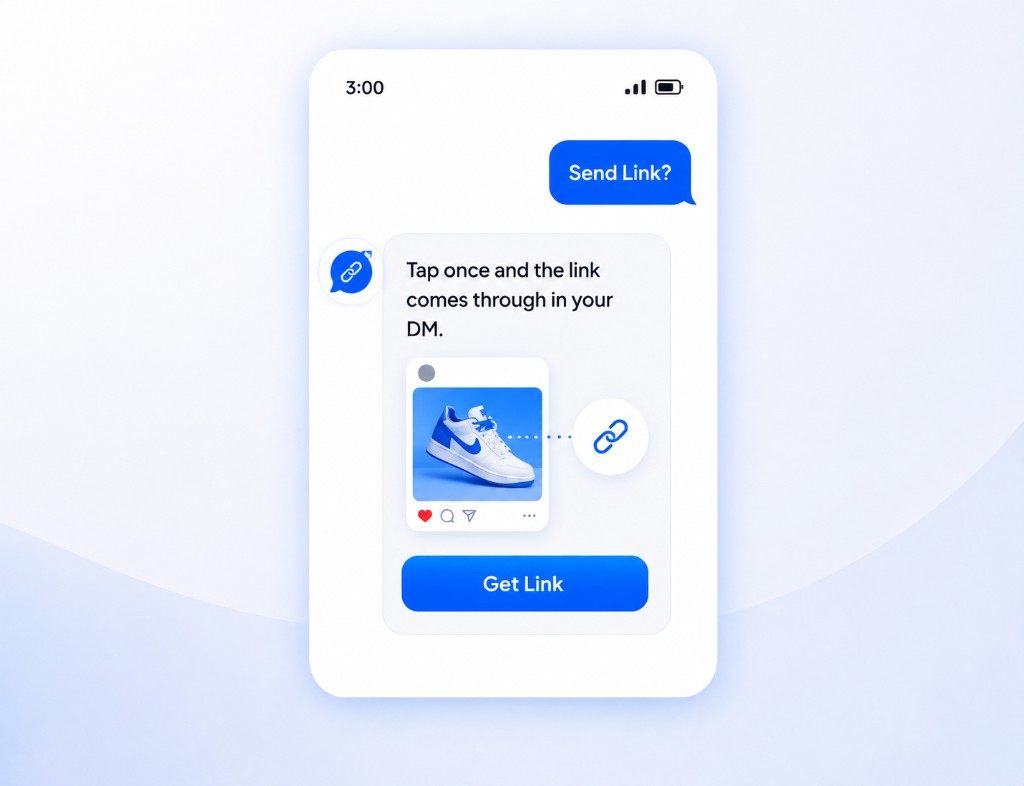
Automated DM with a Get Link button after someone comments Send Link

3rd – Let CommentLink run it

When someone comments or replies to a Story, the workflow starts automatically. You can still jump in from the shared inbox whenever you want.

Why automate

Why Creators Need Automation

Growing an audience should not mean typing the same reply all day. CommentLink runs the repetitive Instagram conversations so you can stay on the content.

The Problem

  • The same “link?” and “price?” comments on every post
  • Copying a URL into DMs one person at a time
  • A Reel takes off and half the comments never get a reply
  • Story replies sitting unread while you are filming
  • Emails collected in screenshots instead of a list you own
  • Going offline and missing the moment someone was ready to buy
  • Repeating shipping, size, and availability answers by hand
  • No clear view of which posts actually started a conversation

The Solution (CommentLink)

  • Keyword or every-comment triggers on posts and Reels
  • Optional public reply on the thread, then a private DM
  • Follow-gate: they tap I'm following, then CommentLink checks
  • Ask for an email in the DM before the next file or link
  • Story reply and Story mention automations
  • Links, buttons, and product cards inside the conversation
  • Instagram and WhatsApp in one shared inbox
  • Analytics on replies sent, DMs sent, and emails collected
For creators

Grow Faster, Engage Smarter, Convert Better

Instagram post asking people to comment PRICE, with an automatic public reply pointing to the DM

Maximize Every Instagram Post

Put a keyword in the caption. When someone comments PRICE, LINK, or GUIDE, CommentLink can reply on the thread and send the details in a private DM.

Instagram DM follow-gate with a Follow Me button and an automated product card

Expand Your Reach

Ask them to follow and tap I'm following before the product card or link goes out. CommentLink checks follow status on that tap — it does not silently detect follows.

Instagram DM collecting an email, then sending a lead magnet card

Build Your Audience

Capture an email in the conversation before the next message or file is sent. You keep a list you actually own, not a thread you have to screenshot later.

Creator at a laptop with a daily analytics card for comment replies, DMs, and emails

Save Time with Smart Automation

See comment replies, DMs sent, and emails collected in one place. The repetitive replies run without you; you still handle the conversations that need a person.

On a real post

How Creators Use CommentLink

These are the workflows creators actually set up — not invented reviews.

The Reel that asks for LINK

Caption tells people to comment LINK. Matching comments get the private URL you set — the comments stay clean, the link still goes out.

GUIDE, then an email if you want it

Comment GUIDE starts the DM. You can ask for an email in that conversation before the file or next message is sent.

Follow first, then the drop

The first DM asks them to follow and tap I'm following. CommentLink checks follow status on that tap, then sends what you held back.

FAQ

Frequently Asked Questions

CommentLink helps creators automate Instagram conversations triggered by supported interactions such as comments and keywords. You can also automate Story replies and Story mentions, capture an email in the DM, and keep Instagram and WhatsApp in one inbox.
Yes. CommentLink can trigger configured private DM workflows based on Instagram comments on posts and Reels — from a keyword, or from every comment on that post.
Yes. You can configure workflows to deliver links and resources through automated conversations after someone comments or replies.
Yes. CommentLink supports email collection as part of configured automation workflows. You can ask for an email in the Instagram conversation before the next message or file goes out.
Yes. CommentLink supports follow-gate workflows where users can be asked to follow and then confirm their follow status before continuing. They tap a button such as I'm following; CommentLink then checks follow status through Meta's API. It does not silently detect follows in the background.
No. Supported comment triggers can start automated workflows so repetitive conversations don't have to be handled manually. You can still reply yourself in the shared inbox whenever you want.
Yes. CommentLink is free to use — comment-to-DM, Story replies, the shared inbox, flows, and analytics. There is no paid plan and no card to add. The only money that can show up is WhatsApp conversation fees from Meta, billed to your own WhatsApp Business account.
Yes. Instagram and WhatsApp connect through Meta's official login and messaging APIs. CommentLink never asks for your Instagram password. That is not a Meta certification, a Meta approval badge, or a guarantee that an account cannot be restricted.
Lifestyle creator filming a video with makeup products and a camera on a tripod

Your content gets the attention. Let CommentLink handle the conversation.

Turn Instagram comments, keywords, and Story replies into automated DMs, leads, and follow-ups.