
Your content
Link to your newest post, a playlist or a blog, or add a YouTube or Vimeo video card that opens the video.

Captions say "link in bio". Stories say it. Reels say it. All of them send people to the same place, and that place has to serve a new follower, a returning customer and a brand that wants to work with you.
A page of your own gives you room for text, forms, video and tracking that a bare list of links can't. Whatever your profile allows natively, a BioFlow page can sit behind it.
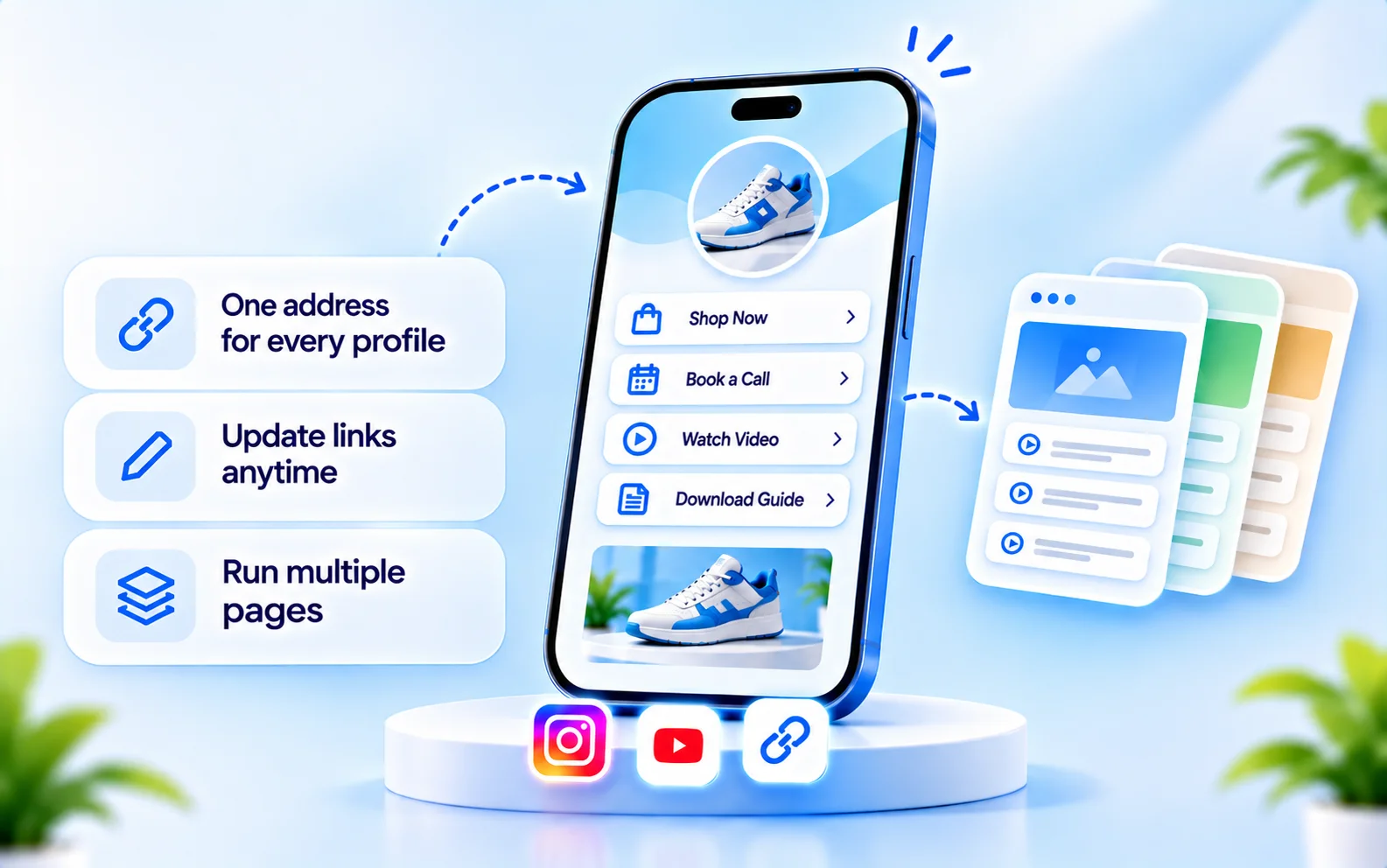
Link to your newest post, a playlist or a blog, or add a YouTube or Vimeo video card that opens the video.
Link to your store, a collection or a launch page. Checkout stays on your store; BioFlow doesn't process payments.
Point to your Calendly, Cal.com or other scheduling page with a booking block.
Offer a signup form or a downloadable file, and collect leads in a leads inbox.
Both buttons are ordinary external links. They are useful, and they have a clear limit.
The Instagram DM button opens a chat with your account. The WhatsApp button opens a chat with your number through a wa.me link.
They don't send automatic replies and they don't start CommentLink automation.
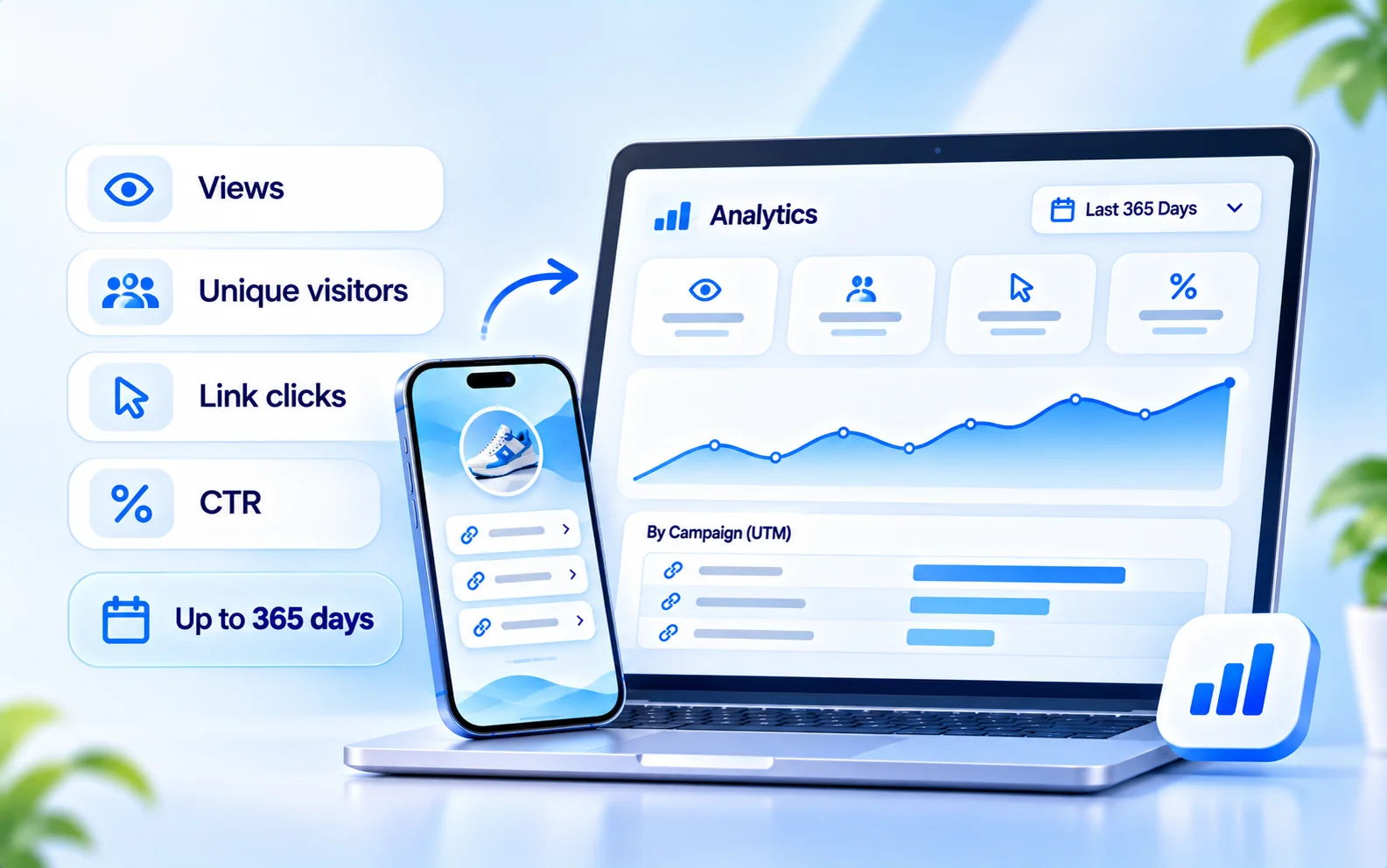
Each page reports views, unique visitors, link clicks and CTR, for ranges up to 365 days. If you share the same page from your bio, Stories and posts, create a named campaign for each so the numbers show which placement works. See how to get more clicks on your Instagram bio link.
A step-by-step companion is in our guide to adding a link to your Instagram bio.
Add links, text, images or video, choose a theme and publish. Instagram doesn't need to be connected.
Your public address is shown once the page is published.
Open Edit profile in Instagram and paste the address into the link field. If the label looks different, check Instagram's current menu.
Mention it in captions and Stories, and use a named campaign if you want to compare placements.
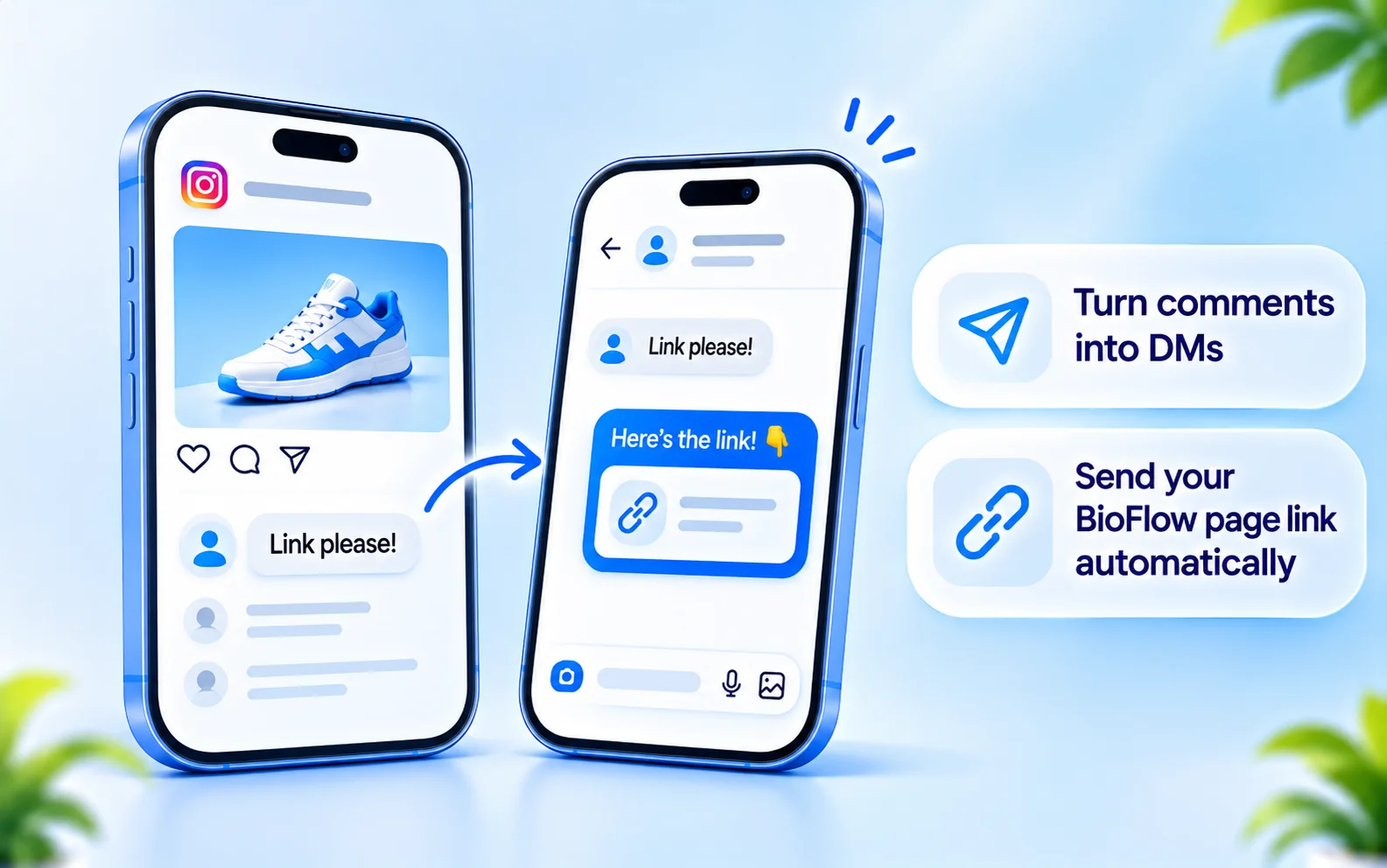
People who comment on a post may ask for a link instead of visiting your profile. CommentLink's Instagram comment-to-DM automation can send that link by private message. It is set up separately from your BioFlow page. For a view on when each makes sense, see comment-to-DM vs link in bio.
If you want to understand the options for putting several links on Instagram, read our guide to adding multiple links to your Instagram bio. This page is about the BioFlow tool itself.
Last updated

Build a page, publish it, and paste one address into your bio. No Instagram connection needed.