
Links and content blocks
Link, heading, text and divider blocks, reordered however you like. A page holds up to 40 blocks.

Most social profiles give you room for a single web address. A link in bio tool turns that address into a page of its own, where you can list many destinations and update them whenever you like, without touching your profile.
BioFlow is CommentLink's link in bio page builder. Add links, headings, text, images, video and forms to one page, choose a theme, and share the address everywhere. If you want the background first, start with what a link in bio is or how a link in bio works.
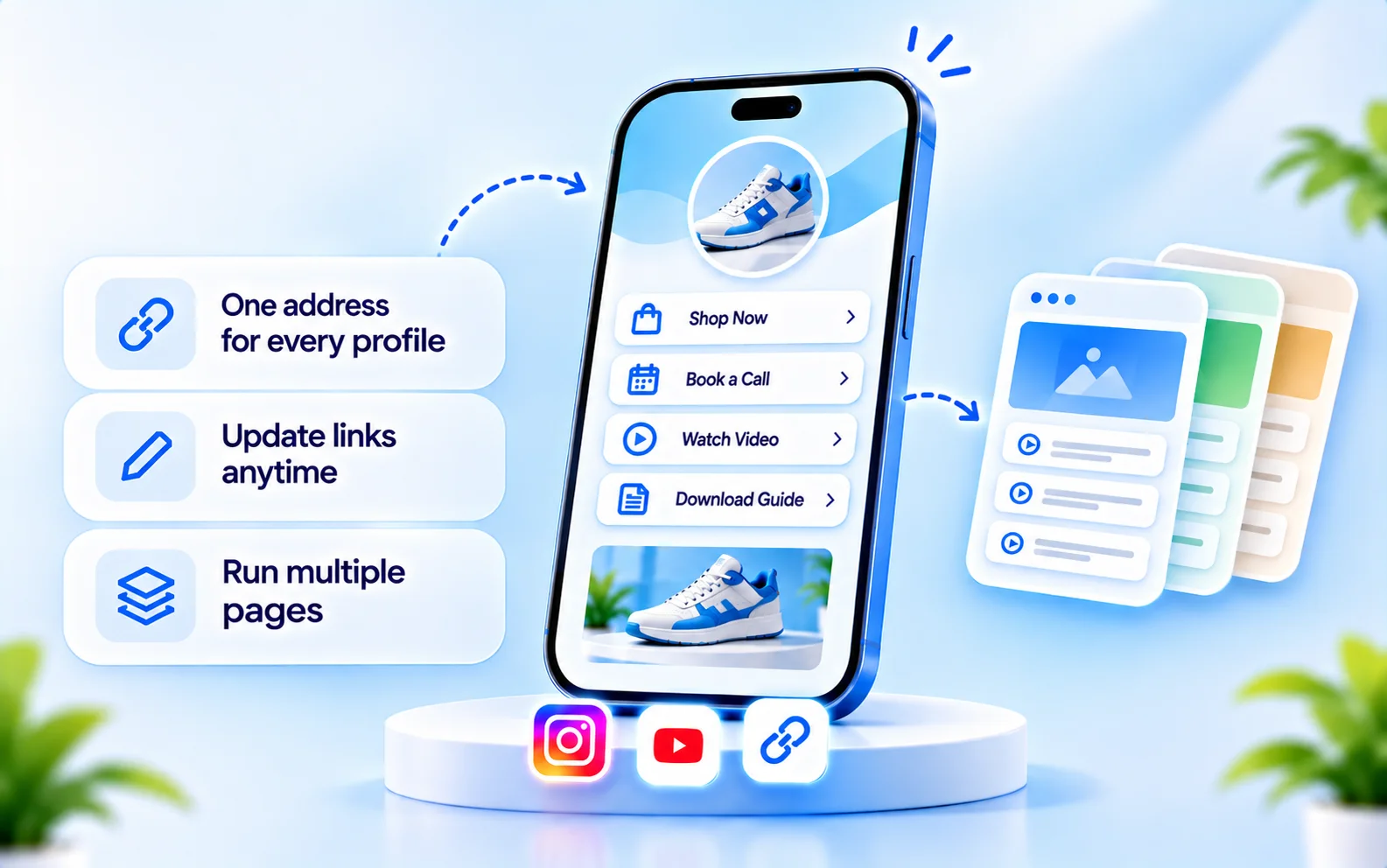
Link, heading, text and divider blocks, reordered however you like. A page holds up to 40 blocks.
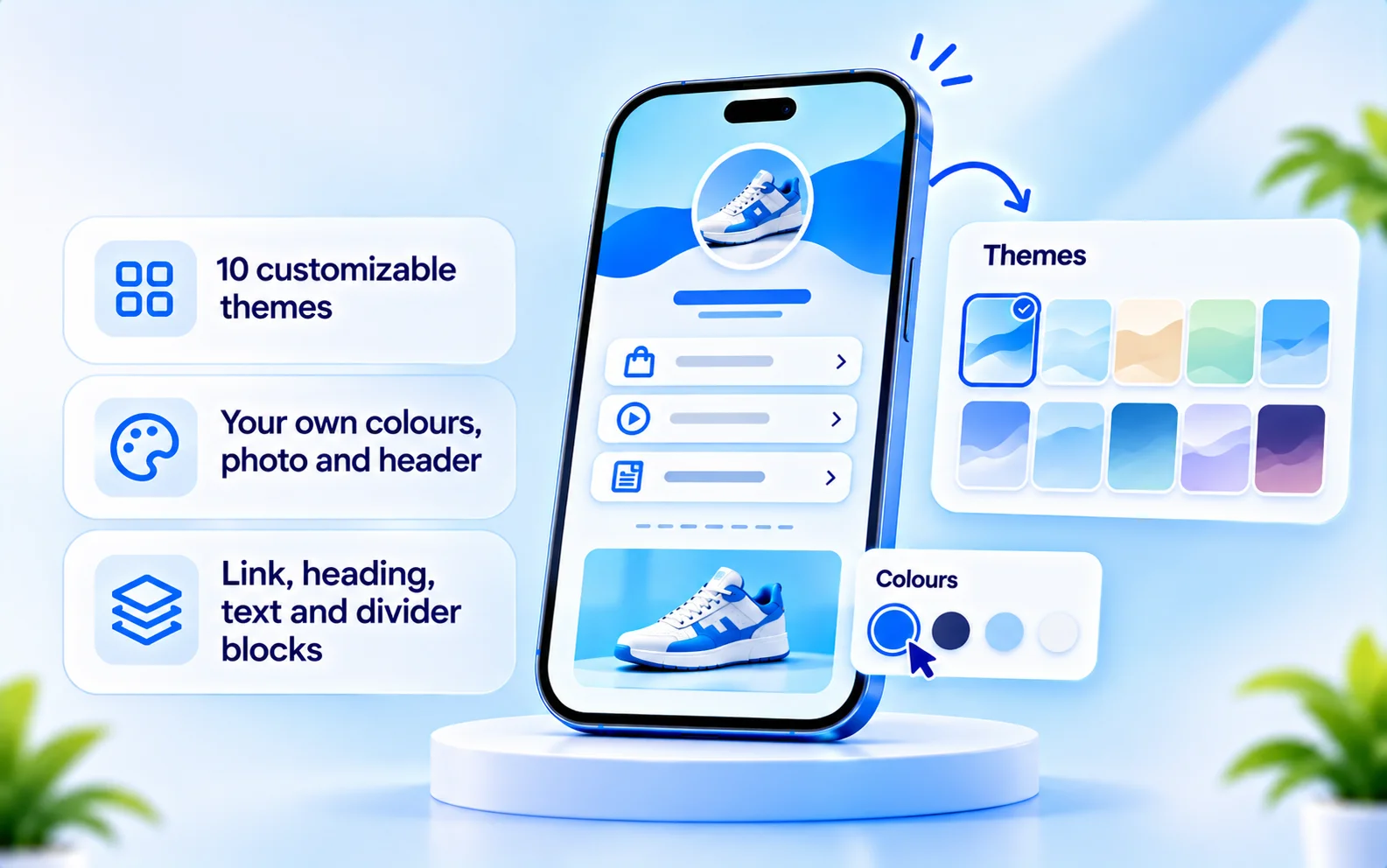
Pick from 10 customizable themes and adjust the look to match your brand.
Show your work in an image gallery and add YouTube or Vimeo video blocks. Each appears as a link card that opens the video on that service; it is not an embedded player or a general upload tool.
Show your social profiles in a tidy row so people can follow you wherever they are.
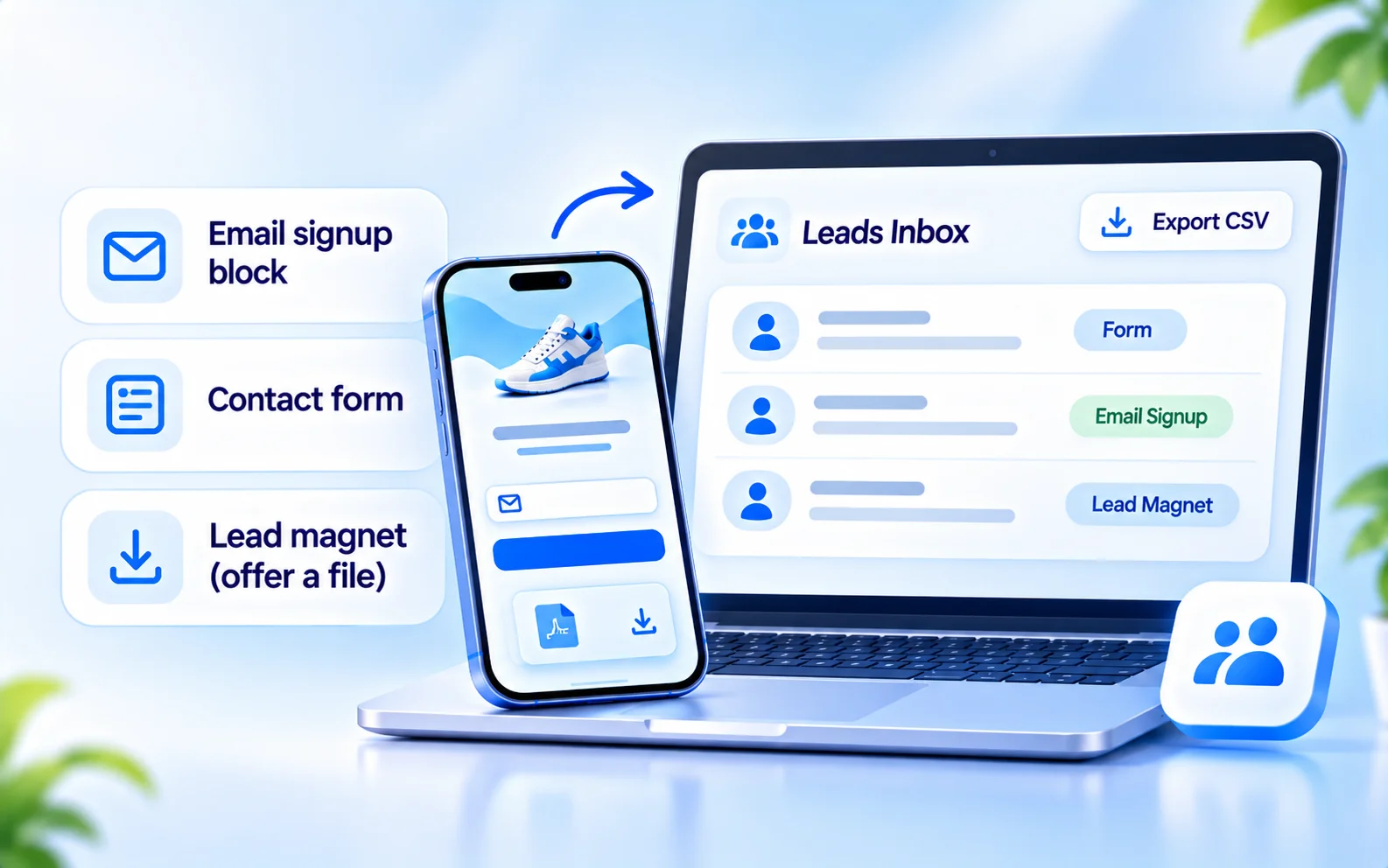
Collect addresses with a signup block, or let visitors write to you with a contact form.
Offer a file such as a guide or checklist, and choose whether to ask for an email address first.
Add an Instagram DM or WhatsApp button. Each opens a chat through an external link.
Point to the scheduling or payment page you already use. These blocks link out; BioFlow does not process payments or manage bookings.
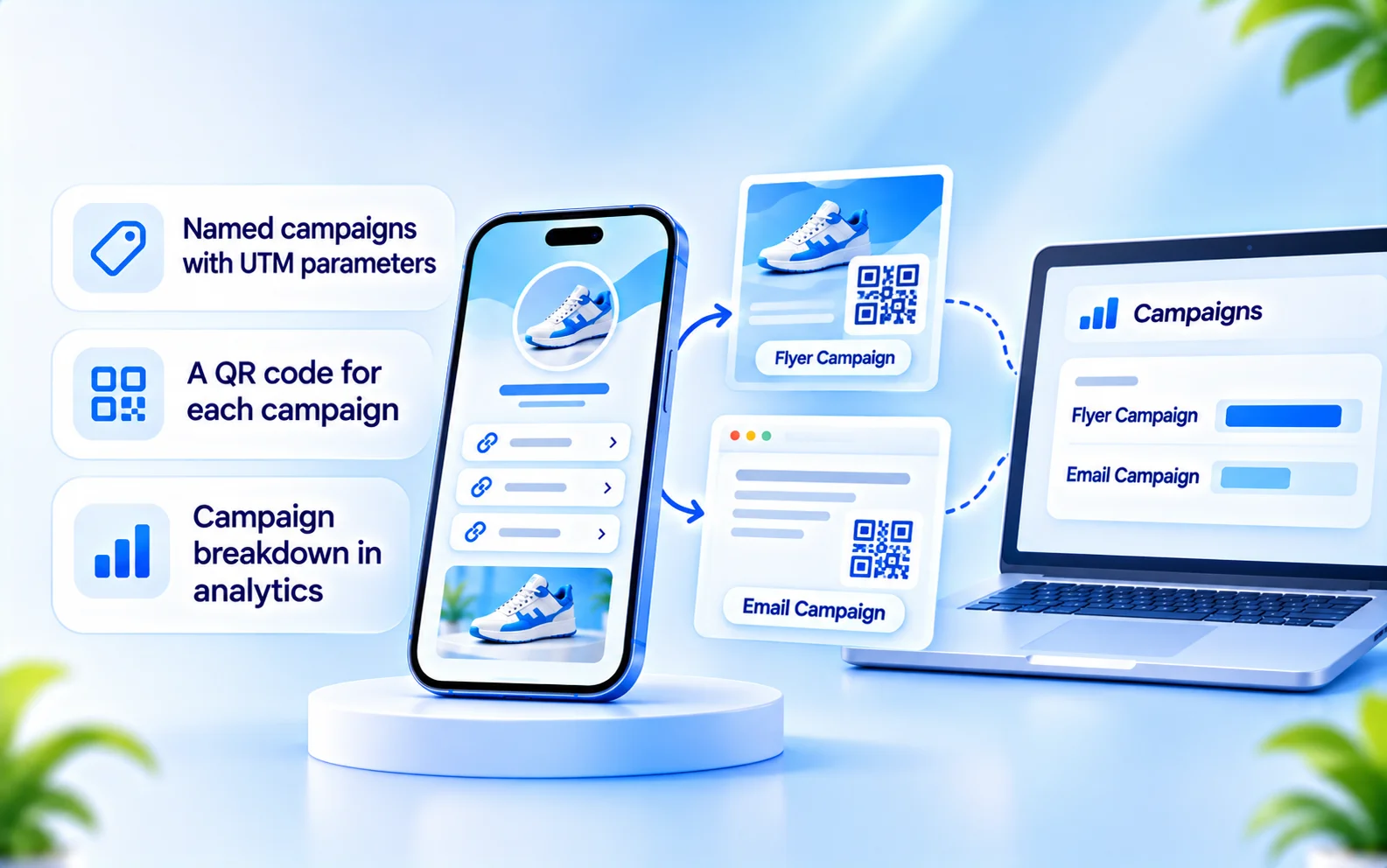
Create named campaigns with UTM parameters and a QR code for each, so you can see which one brings visitors.
Pick one of 10 customizable themes, then set your photo, colours and header so the page feels like yours. You can preview the page as you build it and publish when you are happy.
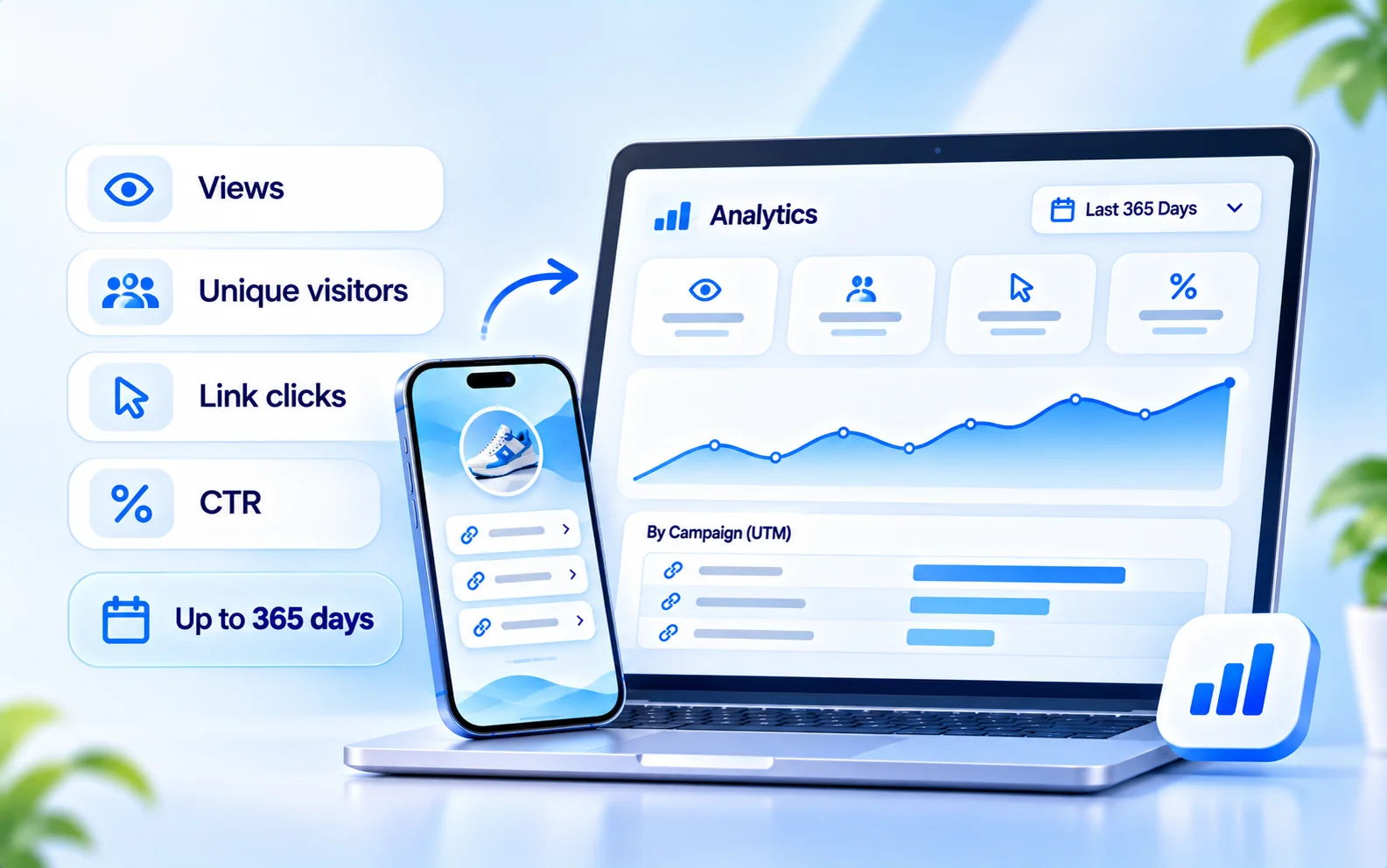
Every page has its own analytics. Choose a range up to 365 days, so you can compare a launch week with a quiet month.
If you tag a link with UTM parameters, the analytics break traffic down by campaign. For help reading the numbers, see which link in bio analytics matter.
When someone submits a form or signs up for a lead magnet, they land in your leads inbox. Review them there and export the list as a CSV whenever you need it.
Create a named campaign for each place you share your page, with UTM parameters and a QR code. Put one code on a flyer and another in an email footer, then compare them in your analytics.
BioFlow is part of CommentLink, which also provides Instagram and WhatsApp automation. The two reach people in different moments.
They tap your bio link and land on your BioFlow page, where they can choose what to open, sign up or contact you.
They can receive a private message with the link they asked for, through Instagram comment-to-DM automation.
Both live in one account, so you sign in once and manage your channels and team in one place.
Lead with your newest content, then your media kit and brand-partnership contact. See link in bio for influencers and our page on link in bio for creators.
Make the booking link the first thing visitors see, then a lead magnet that builds your list. See link in bio for coaches.
One page that says who you are and where to go next. See link in bio for personal brands.
A contact form, a WhatsApp button and a QR code for the shop window. See link in bio for businesses and link in bio for small business.
Send visitors to your store, a new collection or a launch page. Your store handles checkout; BioFlow shows which links get clicked. See link in bio for ecommerce.
New to this? Our step-by-step guide covers how to create a link in bio.
Choose a name and a public address.
Pick a theme and set your photo, colors and header.
Add links, text, images, video, forms and buttons, and put the most important first.
Paste the address into your Instagram, TikTok or YouTube profile, and use a QR code for anything printed.
You can create, customize and publish a BioFlow page without connecting an Instagram account. Connect Instagram later only if you want CommentLink's automation. The page itself works anywhere you can add a web link.
| Capability | How it works in BioFlow |
|---|---|
| Multiple pages | Yes. Create several pages in one organisation. |
| Themes | 10 customizable themes. |
| Content blocks | Link, heading, text, divider, image gallery, YouTube/Vimeo video links (shown as link cards), social links. Up to 40 blocks per page. |
| Lead collection | Email capture, contact form and lead magnet; leads inbox with CSV export. |
| Tracking | Per-page views, unique visitors, clicks and CTR; ranges up to 365 days. |
| Campaigns | Named campaigns with UTM tracking and QR codes. |
| Chat buttons | Instagram DM and WhatsApp buttons open the chat through an external link. |
| Booking and payment | Blocks link to your existing external page. No built-in checkout or scheduling. |
| Custom domain | Not available. |
| Instagram connection | Not required to create or publish a page. |
Last updated

Give your audience one place to find everything, and give yourself the numbers to improve it.