
Fans and followers
They want your newest content and a way to follow you elsewhere. Use link blocks, a video block and a social row.

They want your newest content and a way to follow you elsewhere. Use link blocks, a video block and a social row.
They want proof and a contact route. Add your media kit and a contact form or email address.
They want your offer or your list. Add a link to your product, a signup form or a lead magnet.
A starting order you can adjust. For more, read what to put on your link in bio.
A link or a YouTube or Vimeo video card, so returning followers see something fresh.
A product, a course or a call. The booking and payment blocks link to your existing pages.
Offer a guide, template or checklist, and decide whether to ask for an email first.
Link to it, or offer it as a download. Add a contact form for brand enquiries.
A tidy social row for everywhere else.
Add a video card and link to your channel. See our notes on YouTube link in bio.
Keep a media kit and a brand contact near the top. See link in bio for influencers.
Group your picks as link blocks, add a short disclosure in a text block, and tag each platform with its own campaign. See link in bio for affiliate marketers.
Lead with a booking link and a lead magnet. See link in bio for coaches.
One clear page about who you are and what to do next. See link in bio for personal brands.
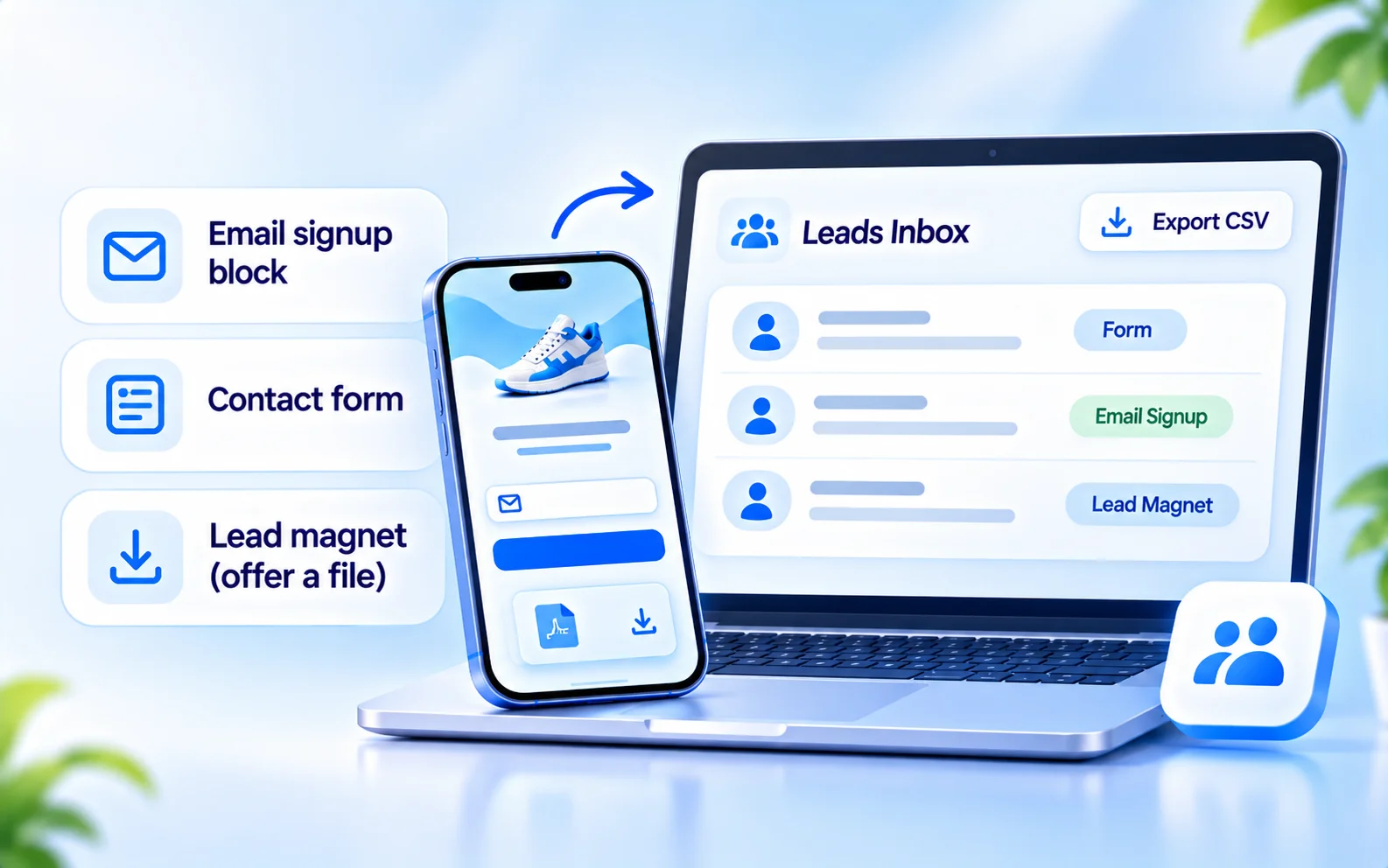
BioFlow has an email signup block, a contact form and a lead magnet block. For a lead magnet you can upload a file up to 10 MB, or link to one you host elsewhere, and choose whether to require an email address first.
Everything people submit lands in one leads inbox. Export it as a CSV to move your list wherever you manage it. For ideas, see how to create a PDF lead magnet.
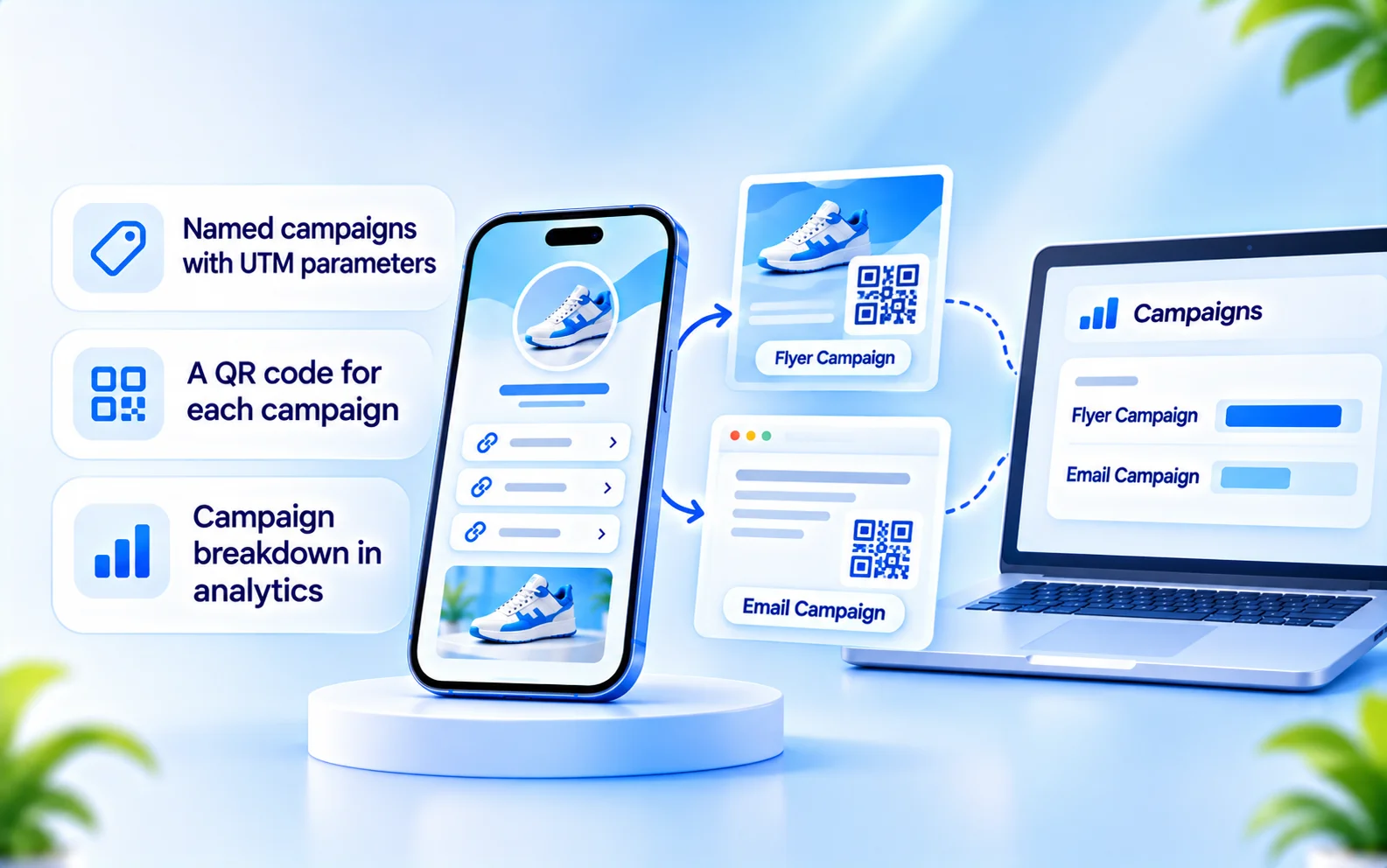
You probably share the same address in a YouTube description, a podcast note, a TikTok bio and an email. Create a named campaign for each. BioFlow adds UTM parameters to the address and breaks your traffic down by campaign, so you can see which placement is working.
Each page also reports views, unique visitors, link clicks and CTR, for ranges up to 365 days.
This page is about BioFlow, your link page. If you want to reply to comments and DMs automatically, see CommentLink for creators. The two are set up separately.
Last updated

One address for your audience, your collaborators and your list, with the numbers to see what's working.